 Click here to submit a support request
Why Use a SIM Card With The SNYPER-5G
Applicable Products Objectives The purpose of this application note is to give a brief background on 5G (NR) wireless communication an explain the reason a SNYPER-5G Graphyte may need a…
The SNYPER-5G and IoT is designed to provide reliable cellular network analysis, helping users identify the strongest available signals for their IoT applications. To ensure you get the best performance from your device, this page offers a range of support resources, including user manuals, firmware updates, and troubleshooting guides.
Stay current with the latest SNYPER-5G/IoT/IoTS firmware and software tools. Regular updates ensure improved functionality, enhanced performance, and new features.
Learn how to use your SNYPER-5G/IoT/IoTS device. Browse our document section for user manuals and datasheets.
Are you having an issue with your SNYPER? Browse our troubleshooting section for solutions to common problems, Our FAQs also provide quick answers to frequently asked questions.
If you need further assistance, our support team is ready to help. Contact us for expert guidance on setup, advanced features, or diagnosing network-related issues.
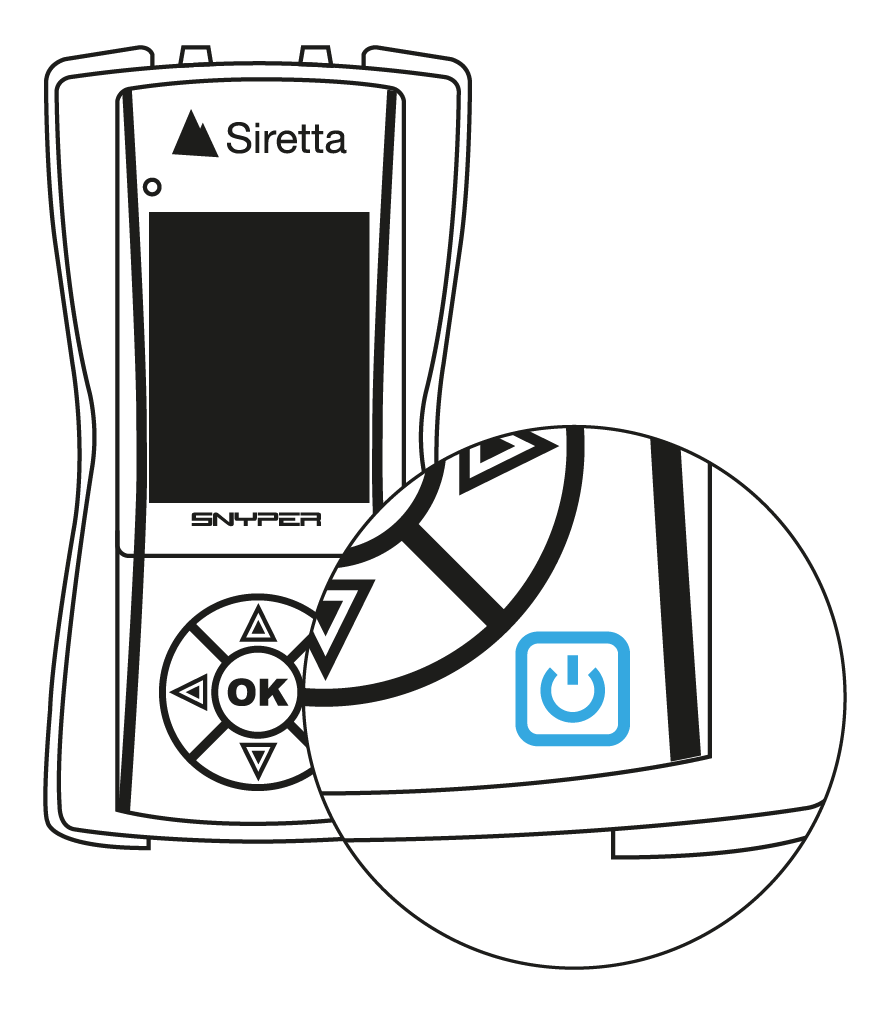
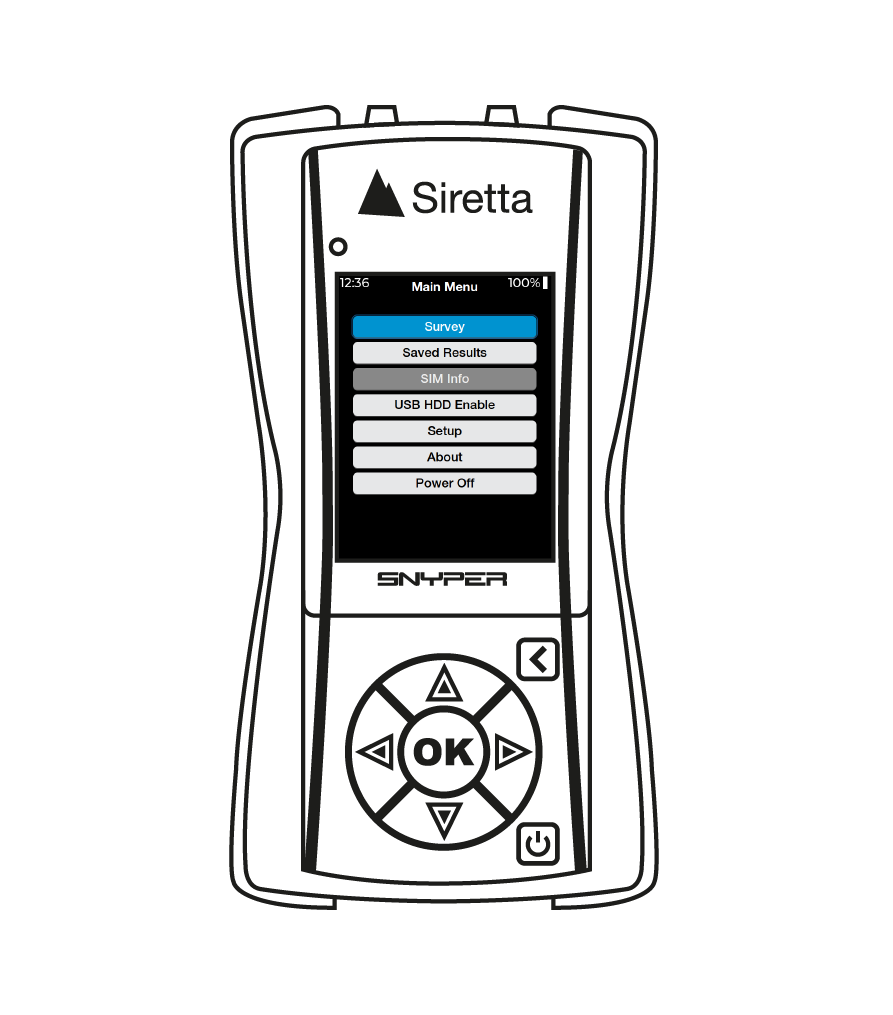
1. Turn the SNYPER on by pressing and releasing the power button.
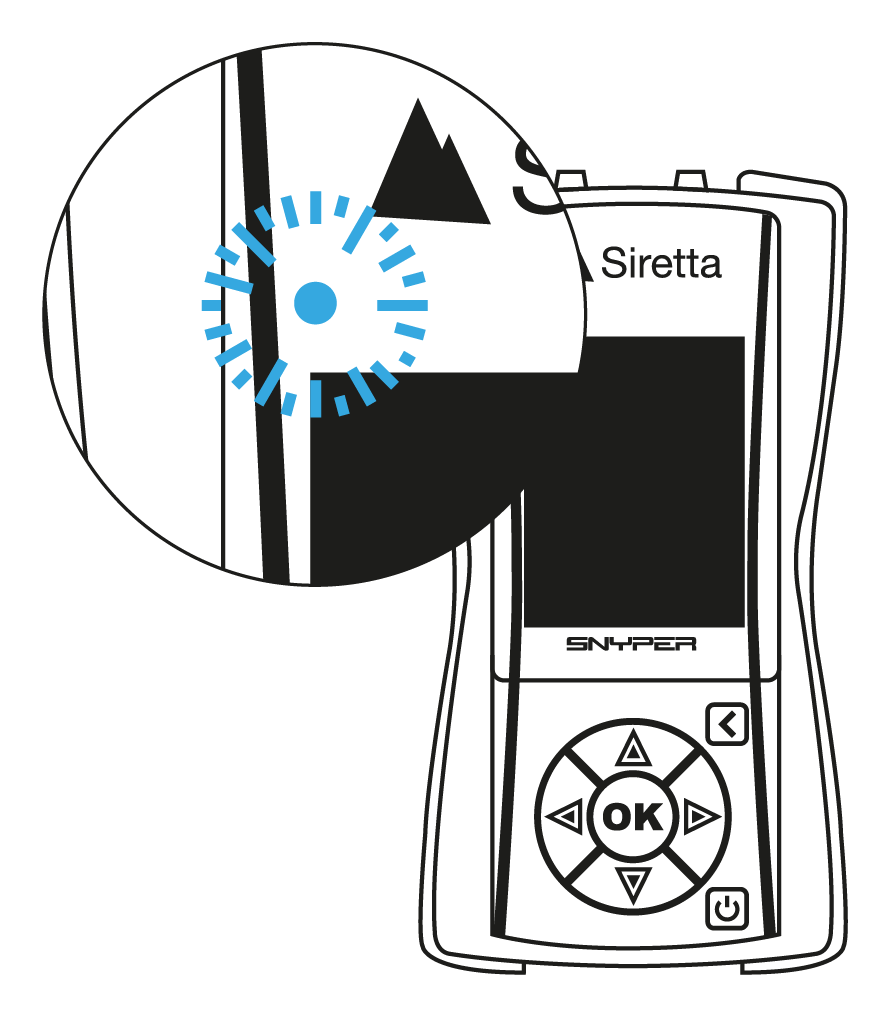
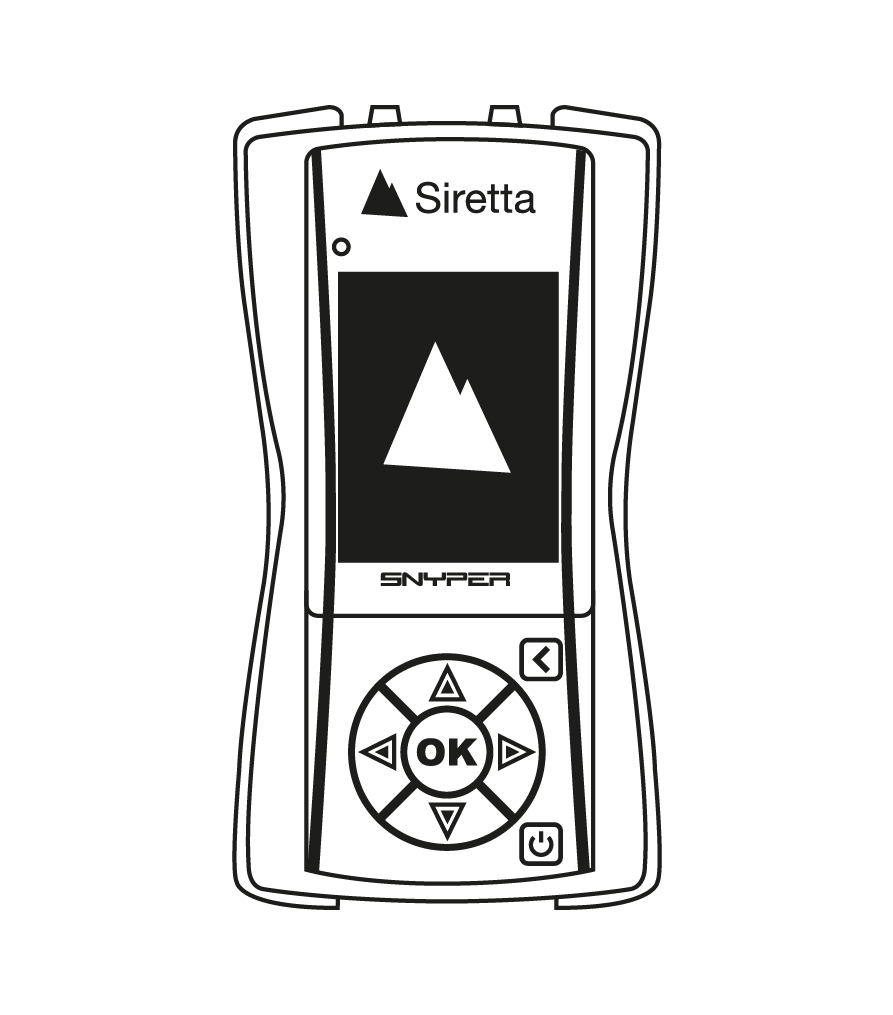
2. A BLUE LED will illuminate and turn off.
3. A boot screen will appear.
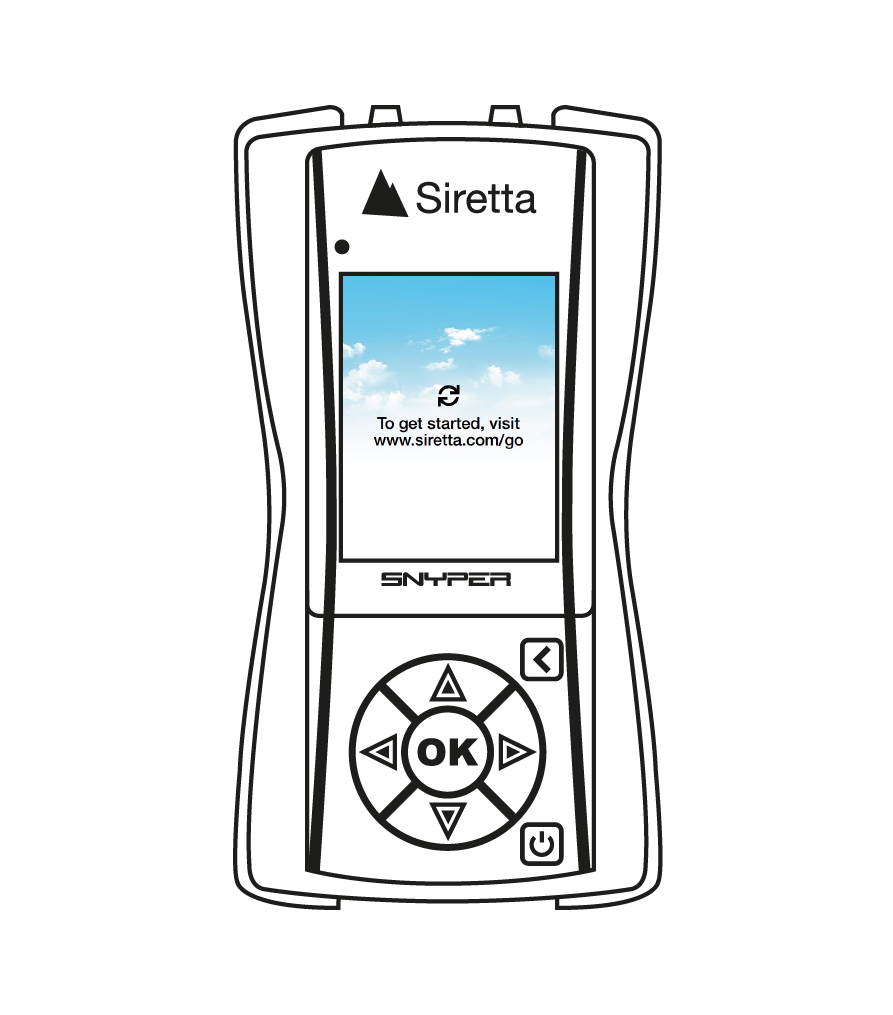
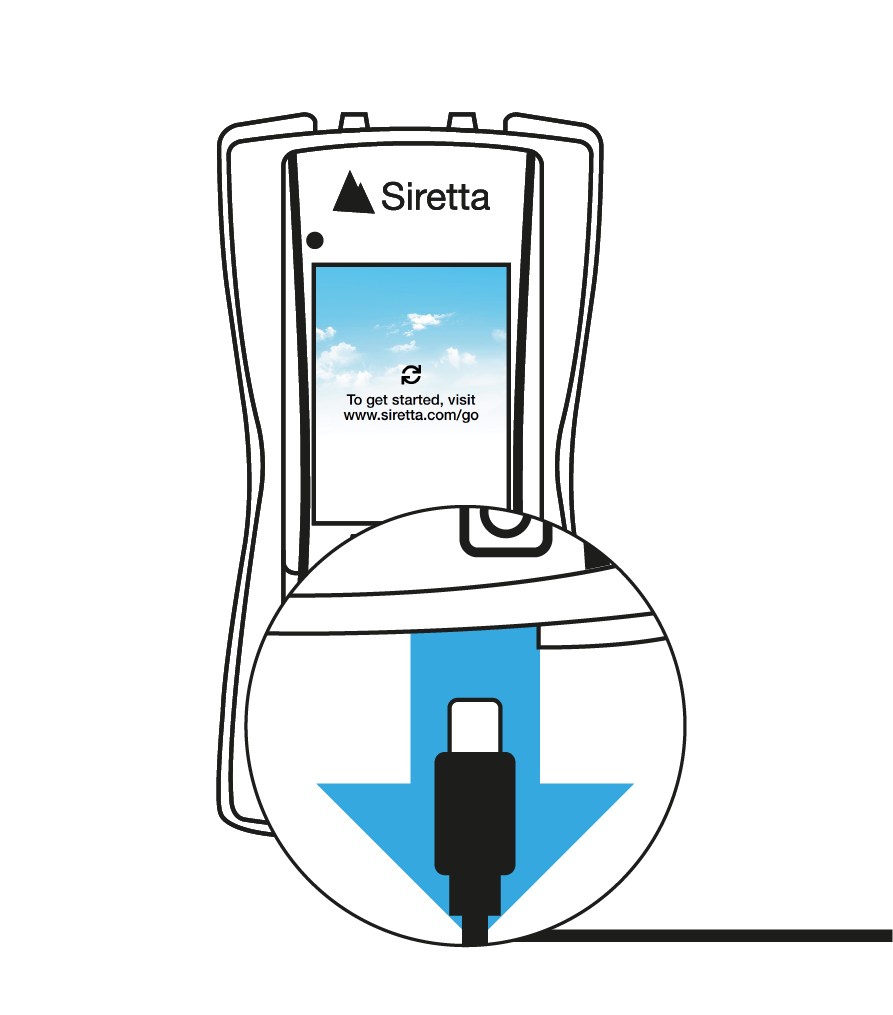
4. A Message “To get started, visit www.siretta.com/go” will be displayed on the screen.
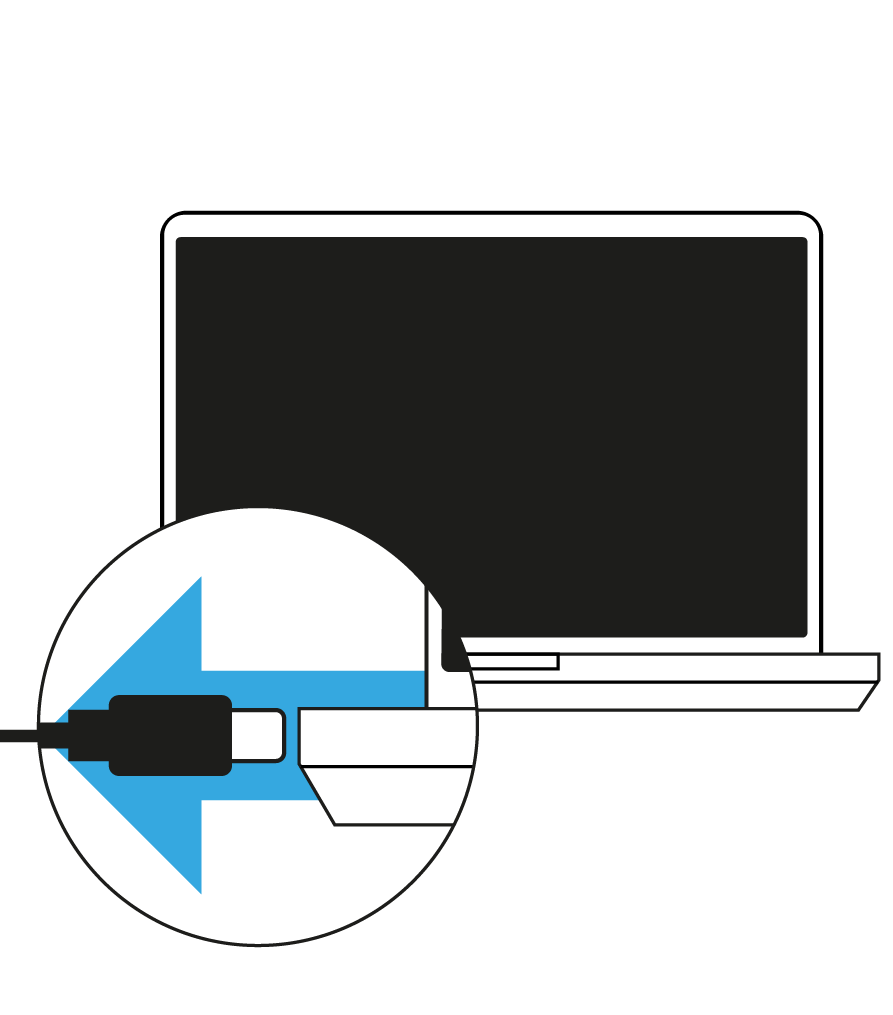
5. Connect SNYPER to a PC using provided USB cable.
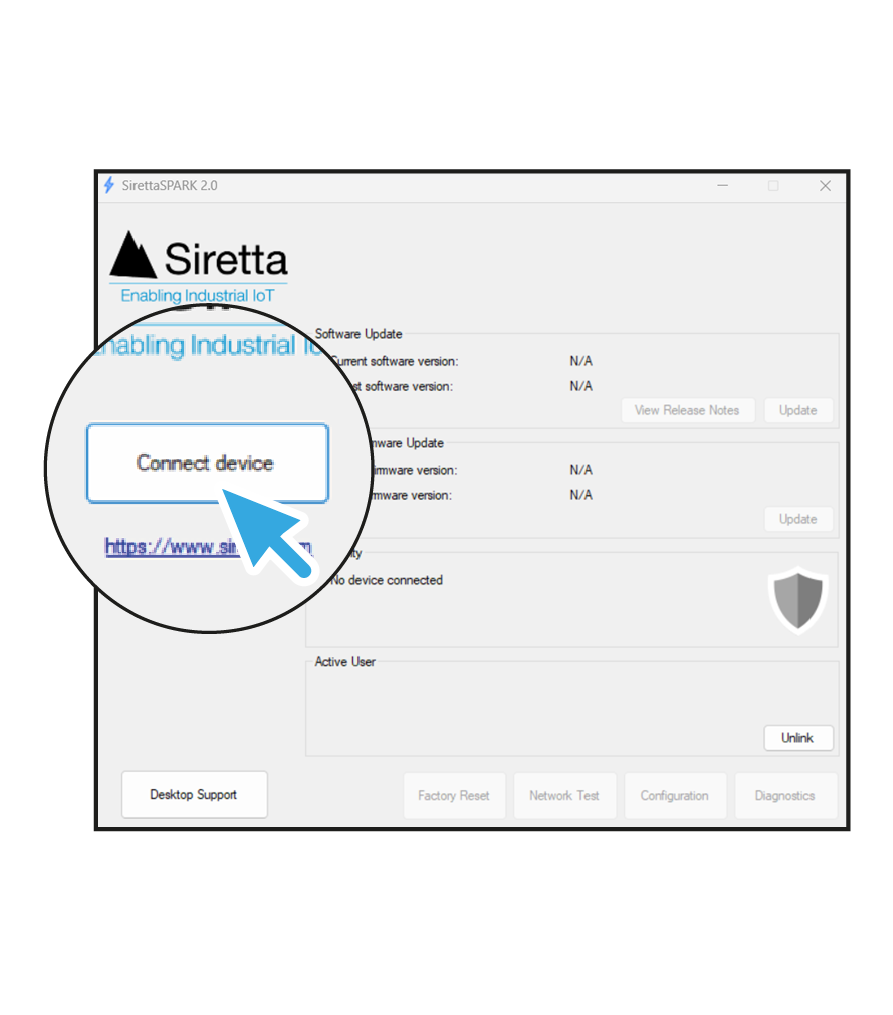
6. Open the SirettaSPARK tool from a PC. If you do not have SirettaSPARK download from https://www.siretta.com/sirettaspark
7. Click “Connect device” button from SirettaSPARK.
8. Once connected, you can update the device software and firmware. If the device has the latest versions, the update buttons will be inactive.
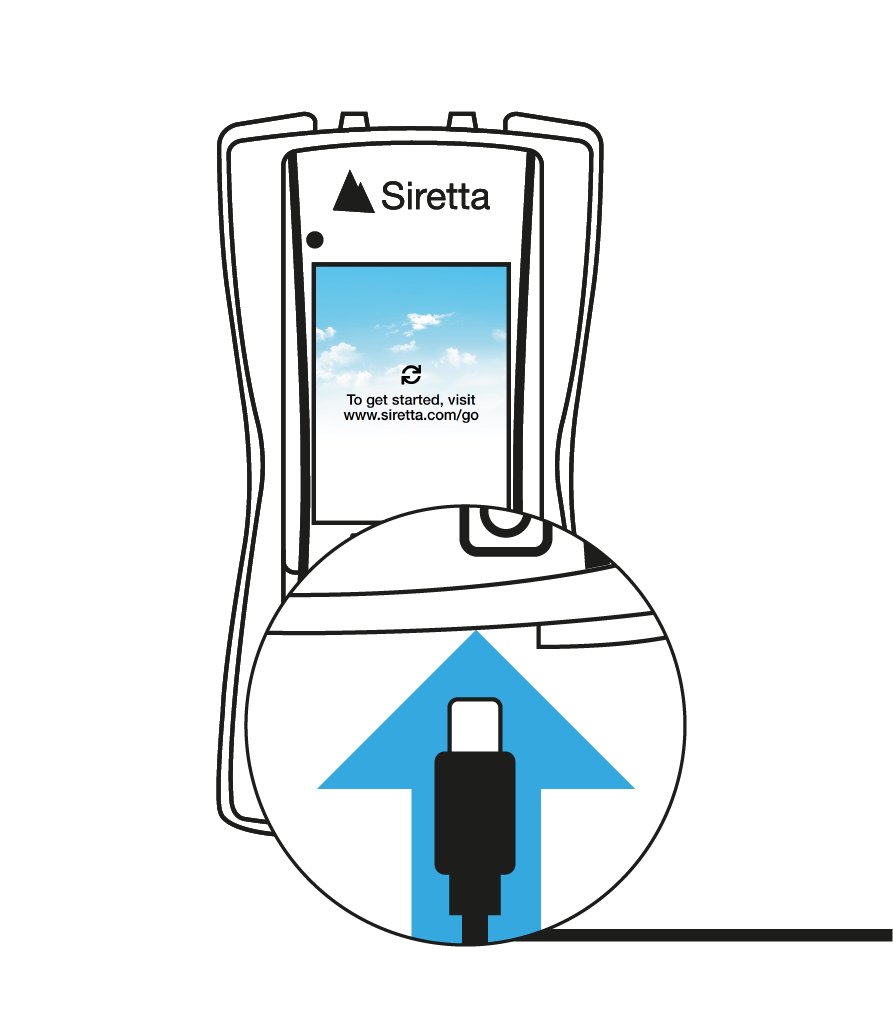
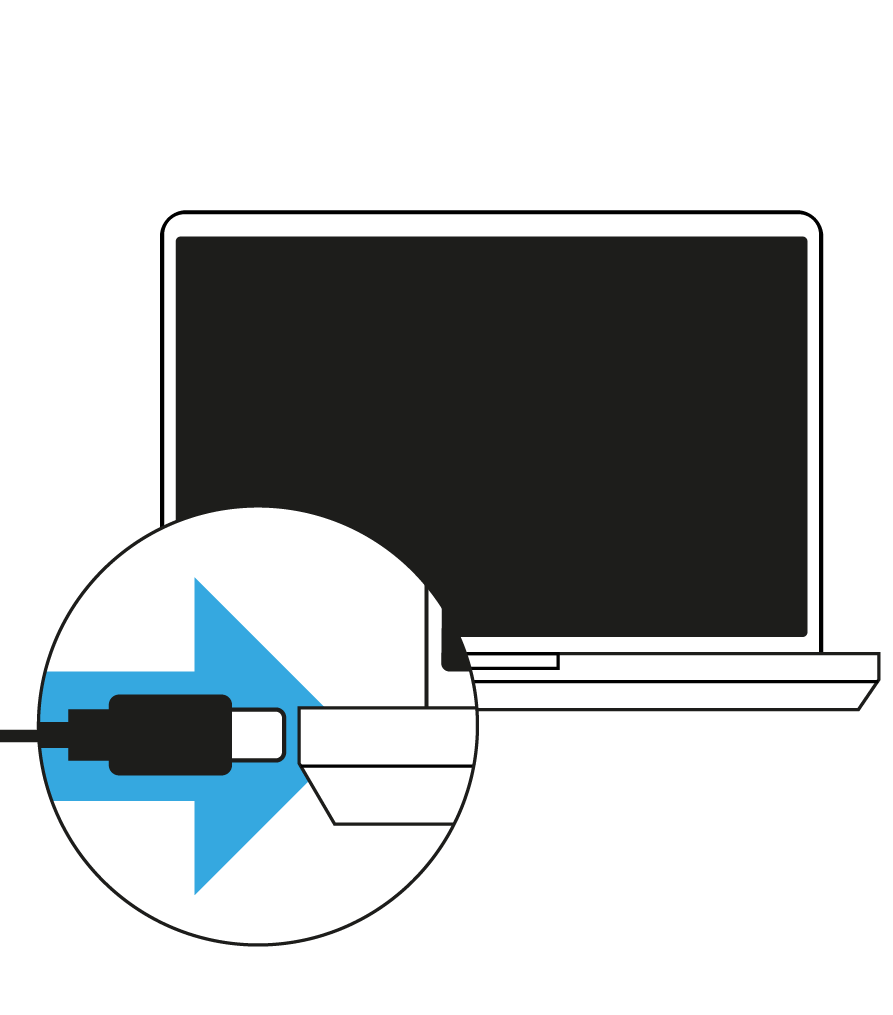
9. Click on the “Disconnect” button from SirettaSPARK. Once disconnected, unplug the USB cable from the device.
10. Unplug the USB from the PC.
11. Device is now ready to use.
12. Download and read the device “User manual” from the “SNYPER-5G / IoT Documents” tab above.
The SirettaSPARK Tool is an automated device management application developed by Siretta to simplify the process of keeping your devices up to date with the latest software and firmware. Software updates provide new features, performance improvements and bug fixes to applications developed by Siretta and enhance your products overall capabilities. Firmware updates provide improvements to the devices core operation, add performance improvements and enhance device network interaction.
Both of these elements are important to keep your device running in optimal condition and the SirettaSPARK tool helps to make this process simple and easy.
The SirettaSPARK Tool automates software and firmware updates for all of your Siretta devices and offers the following benefits:
In addition the SirettaSPARK Tool incorporates advanced features which offer the following:
The SirettaSPARK integrated tools provide automated device updates and allow the Siretta Engineering team to understand and debug any underlying issues with your application integration remotely.
NOTE: If SirettaSPARK does not find your connected equipment you may be running an outdated version of software or you may have a problem with your devices setup.
Please contact Siretta support for further assistance.
Applicable Products Objectives The purpose of this application note is to give a brief background on 5G (NR) wireless communication an explain the reason a SNYPER-5G Graphyte may need a…
Introduction Scanning cellular networks is an important part of your system design and can optimise your solution but what happens when things don’t go to plan? When networks are discovered…
Applicable Products Introduction The SNYPER range of cellular signal analysers are equipped with a built-in display for viewing survey results. Given their compact screen size, users may opt to view…
Applicable Products Introduction With the increasing need for compatibility with Windows applications and software, setting up a virtual machine (VM) on macOS has become a popular solution. Virtualization software allows…
The information obtained from the SNYPER about the cellular environment is both comprehensive but also probably very daunting for many users. Different users will want to use different depths of…
Applicable Products Part number Description SNYPER-5G Graphyte 5G NR, 4G LTE, LTE-M, NB-IoT, & 2G/GSM Signal Analyser & Datalogger SNYPER-IoT Graphyte LTE-M, NB-IoT, & 2G/GSM Signal Analyser & Datalogger Introduction…
Introduction The cellular networks do not broadcast network names as a name that we would directly recognise ourselves. Instead it broadcasts two codes which when put together can be used…